Understanding those changes helps separate real causes from persistent myths.
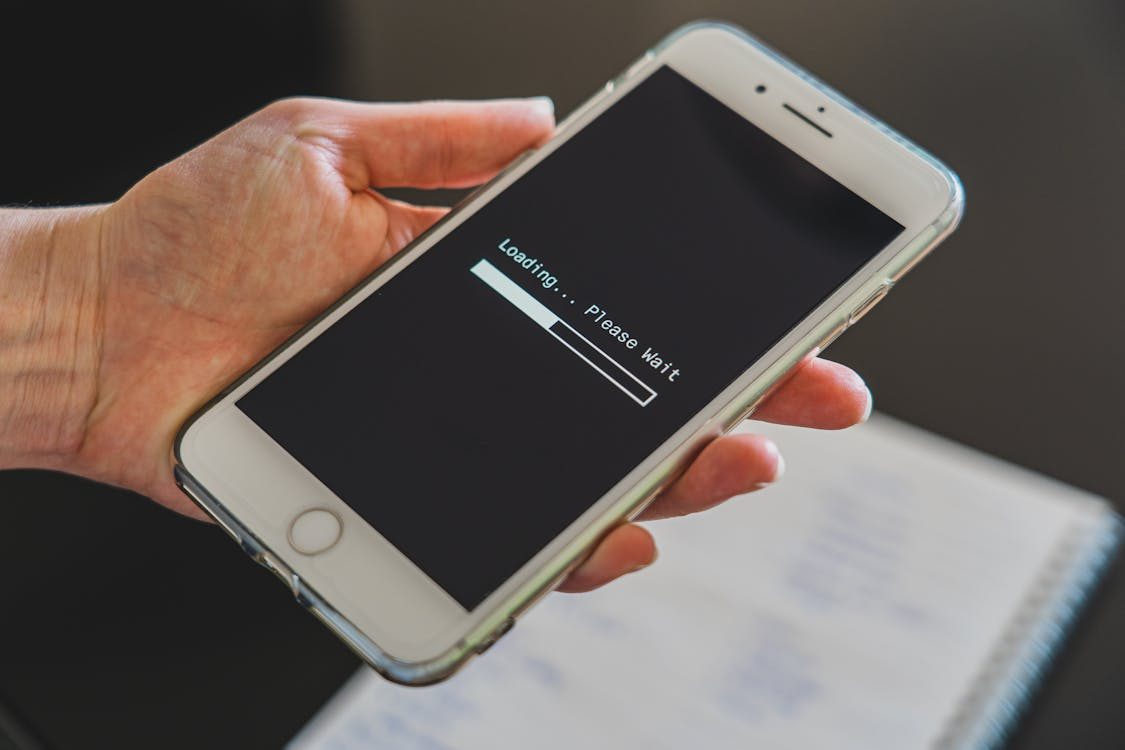
Almost everyone has had the same experience: a phone that once felt fast and responsive now hesitates, stutters, or drains battery quickly. This slowdown often gets blamed on age, planned obsolescence, or software updates designed to push upgrades.
The reality is more ordinary and more understandable. Phones feel slower over time because multiple small changes stack up, not because the device suddenly “got worse.”
Storage Fills Up, and Performance Suffers
As phones age, storage gradually fills with apps, photos, videos, cached data, and system files. Even when there appears to be free space left, the system has less room to move data efficiently. Modern operating systems rely on spare storage to shuffle files, update apps, and manage memory.
When storage becomes crowded, routine tasks take longer. Apps may load more slowly, switching between them feels sluggish, and background processes compete for limited resources. This slowdown isn’t intentional; it’s a byproduct of reduced flexibility inside the system.
Clearing unused apps and large files doesn’t just free space; it restores breathing room that the operating system depends on to function smoothly.
Explore What The Cloud Means (And Where Your Data Lives) for where files are stored.
Background Processes Multiply Over Time
When a phone is new, it runs only a handful of apps. Over time, that number grows. Many apps continue running quietly in the background, checking for updates, syncing data, tracking location, or refreshing content.
Individually, these processes are small. Together, they create constant demand on memory, processing power, and battery. The phone spends more time managing tasks instead of responding instantly to user input.
This is why older phones often feel slower even when performing simple actions. They’re juggling more responsibilities than they were initially designed to handle.
Battery Aging Affects Performance
Lithium-ion batteries degrade gradually. As capacity declines, the battery can’t deliver power as consistently, especially during demanding tasks. To prevent sudden shutdowns, phones may limit peak performance when the battery is stressed.
This behavior is often misinterpreted as an intentional slowdown. In reality, it’s a stability measure. The device chooses reliability over speed when power delivery becomes unpredictable.
Replacing an aging battery can dramatically restore responsiveness, even if nothing else changes. It’s one of the most overlooked causes of perceived slowdown.
See Why Batteries Degrade Over Time for the chemistry behind wear.
Software Updates Aren’t the Villain (Usually)
Operating system updates add features, security fixes, and compatibility improvements. While they can increase resource usage, they’re not designed to sabotage older devices. However, newer software is often optimized for newer hardware.
This mismatch can make older phones feel strained, not because of malice, but because the hardware has less headroom. Over time, each update adds incremental load that compounds existing limitations.
That said, skipping updates creates security risks. The trade-off is between peak speed and long-term safety, not between speed and sabotage.
Read What Is AI? A Clear Beginner Explanation for how modern software increasingly relies on automation.
The Planned Obsolescence Myth
Planned obsolescence is real in some industries, but most phone slowdowns don’t require conspiracy. Physics, chemistry, and accumulated usage account for most of the performance decline.
Batteries wear out. Storage fills up. Apps become more complex. Expectations rise. Together, these factors create the impression of intentional decay.
Understanding this doesn’t excuse poor design, but it does clarify where intervention actually helps.
Check out The Basics Of Cybersecurity For Normal People for keeping devices safe.
What You Can Do to Restore Speed
Freeing storage space, reducing background apps, and replacing the battery are the most effective steps. Restarting periodically clears temporary processes that build up over time.
Lowering visual effects and disabling unnecessary services can also reduce strain. These changes don’t make a phone new again, but they can significantly improve daily responsiveness.
Why Phones Age Like Everything Else
Phones don’t slow down because they’re designed to fail. They slow down because they’re used constantly. Like any tool, performance reflects wear, environmental conditions, and accumulated use.
When you understand why phones age, you regain control. Slowness becomes something to manage, not something to fear.