
Once you see the pieces, the internet feels far less mysterious.
Most people use the internet constantly without really knowing what’s happening beneath the surface. You tap a link, a video loads, a message sends, and it all feels instant.
However, behind that simplicity is a layered system designed to move information quickly, reliably, and at massive scale. Understanding how the internet works in plain English doesn’t require technical training. It just requires separating a few concepts that often get blended.
The Internet vs. Wi-Fi vs. Your Device
The internet is not a single thing. It’s a global network of connected computers, called servers, that store data and respond to requests. Your phone or laptop isn’t “the internet”; it’s just a device that asks other computers for information.
Wi-Fi is simply one way your device connects to the internet. It’s a local wireless link between your device and a router. That router then connects to your internet service provider, which connects to larger networks that eventually reach the server you’re requesting data from.
This is why Wi-Fi problems and internet problems aren’t always the same. You can have strong Wi-Fi but no internet access if the connection beyond your router is down. Understanding this distinction makes troubleshooting much easier.
Explore How GPS Knows Where You Are for another everyday network example.
What Happens When You Type a Web Address
When you type a website address into a browser, your device doesn’t magically know where to go. It starts by asking a directory service called DNS (Domain Name System) to translate the human-friendly name into a numerical IP address that computers use.
Once your device has that address, it sends a request across the internet asking the server for the page you want. The request travels through multiple networks, often hopping across cities or countries, until it reaches the correct server.
The server then sends the data back in pieces. Your browser assembles those pieces into text, images, and layout. All of this happens in fractions of a second, which is why the process feels instant even though it involves many steps.
Check out The Basics Of Cybersecurity For Normal People for safety fundamentals.
Servers, Data Centers, and the “Cloud”
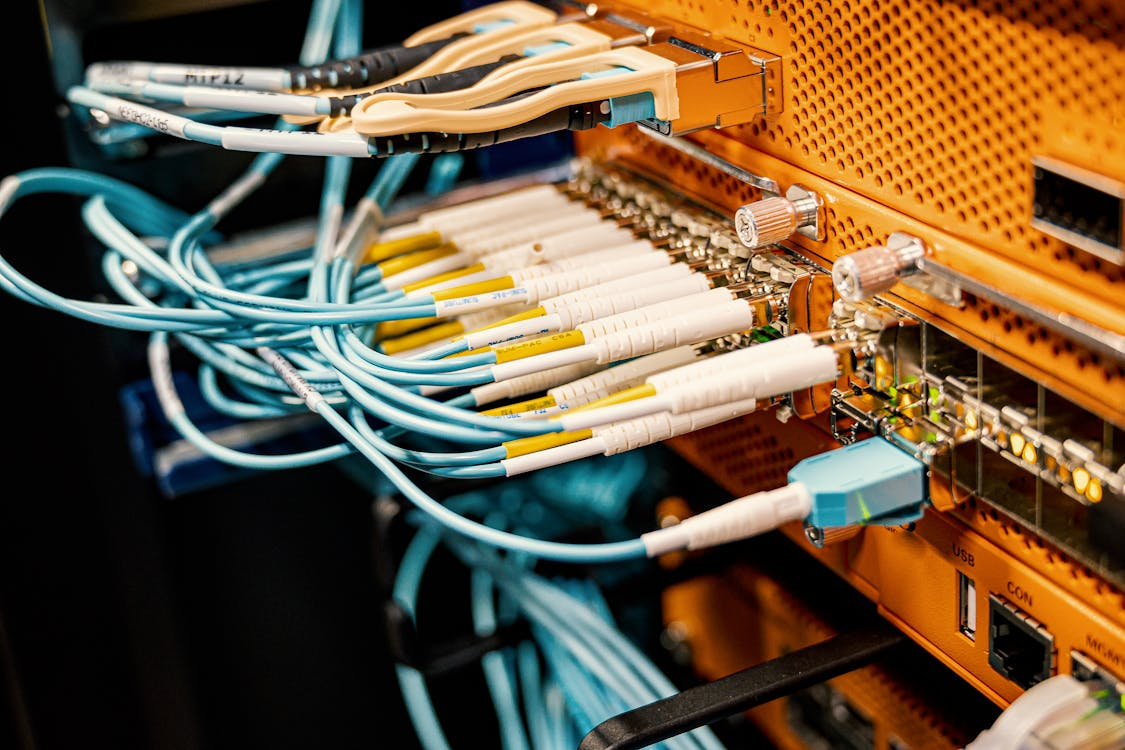
Servers are just computers designed to stay on all the time and respond to requests. Many are housed together in data centers, extensive facilities designed for power stability, cooling, and security. These data centers are the physical backbone of the internet.
When people talk about “the cloud,” they’re usually referring to data stored on remote servers instead of on your local device. Your photos, emails, and documents aren’t floating in space. They live on physical machines that your device can access from anywhere with an internet connection.
This setup allows data to be synchronized across devices, but it also means access depends on connectivity. When the internet is slow or unavailable, cloud-based services can feel unusable.
Read What The Cloud Means (And Where Your Data Lives) for deeper context.
Why Pages Load Slowly or Fail
Slow loading usually isn’t caused by a single issue. It can result from network congestion, distant servers, heavy media files, or your own device struggling to process data. Video and images take far more data than text, which is why visually rich pages load more slowly.
Sometimes the delay occurs before data even starts flowing, such as when a DNS lookup is slow or a server is overloaded. Other times, the connection drops partway through, forcing the browser to retry.
Understanding this helps reduce frustration. A stalled page doesn’t mean the internet is “broken.” It means one part of a long chain is temporarily struggling.
What Clicking a Link Really Does
Clicking a link sends a request, not a command. Your device is requesting permission from another computer to receive data. The server decides what to send back, if anything.
This is also why links can fail, redirect, or return errors. The server might be unavailable, the content may have moved, or access may be restricted. Your browser reports the outcome.
Seeing links as requests, not guarantees, explains why the internet can feel inconsistent. It’s a conversation between machines, not a vending machine.
See How Algorithms Decide What You See for content delivery basics.
Why Understanding This Matters
Knowing how the internet works helps you diagnose problems, protect your privacy, and make better decisions about devices and services. It replaces vague frustration with practical understanding.
You don’t need to know every technical detail. Just knowing what connects to what and why gives you leverage. The internet stops feeling like magic and starts feeling like infrastructure.
And infrastructure, once understood, becomes much easier to live with.